Search
 العربية
 Security Center
 ATM & Branches




What is SAB iCorp?
As digital becomes a core enabler for every business, SAB iCorp emerges as the ideal digital banking platform tailored for a niche segment, including SMEs, local corporates, and the public sector. Designed to support long-term commercial success, SAB iCorp delivers a sophisticated and seamless digital experience that meets the evolving needs of every business segment.
Features and Benefits




How to get started with SAB iCorp?
-

Are you new to SAB?
You can open your new business account online along with SAB iCorp.
Learn More -
Do you have SAB business account?
Being an authorized signatory of the business account, you can register online for SAB iCorp and the get the access instantly.
Contact SAB iCorp Support for more details.
-
Visit Business centers:
Download SAB iCrop Customer Agreement, and visit the nearest SAB business center to provide the filled in agreement.
Contact SAB iCorp Support

Inside KSA

Outside KSA

Please check whether you have entered the correct OTP. If the problem continues, you need to deactivate the token from the settings and register again during login process.
You can register a token to your device by login and activate the token. During the process, you can also delink the old token if not required anymore.
Yes, you can register a token to your new device by login and activate the token. During the process, you can also delink the old token if not required anymore.
You can know more about using the Admin service by watching the video below.
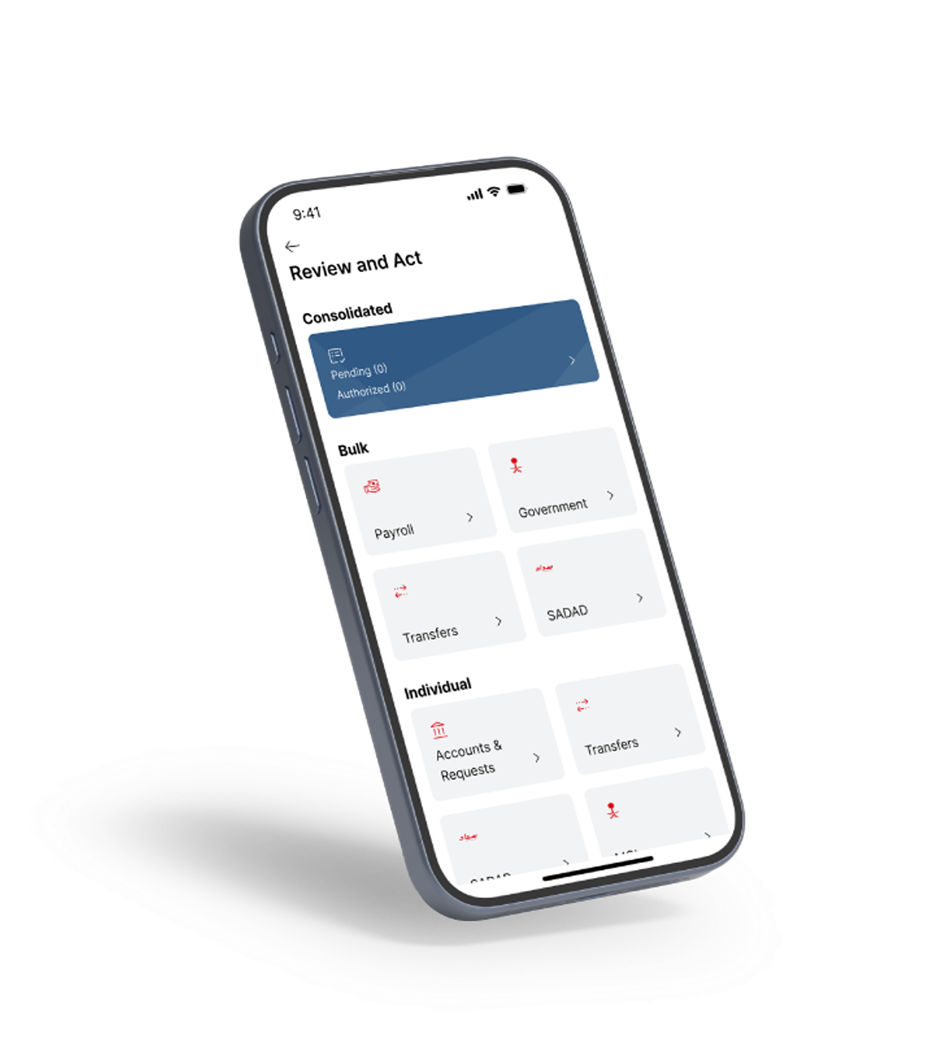
SAB iCorp Mobile
SAB iCorp Mobile is a state of the art banking application built with various offerings around customer convenience. Manage your business finances right from your mobile by downloading the SAB iCorp Mobile and get the power to take your business to the next level.